ICTF - November Chall Writeup
December 13, 2020
Hi there CTF Lovers! Welcome back to my blog. This is my ICTF November Writeup Challs, this is the discord link to join (https://discord.gg/zjpvn2c). They will post one chall everyday and its valid for one month.
*note : i can’t make the web challs because the server is not available, sorry :(
So lets begin with the chall!
not-so-difficult-rsa
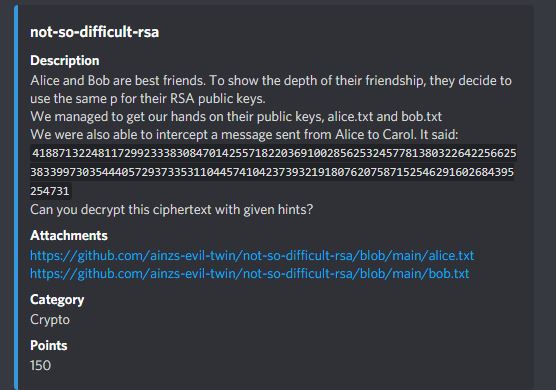
Given the cipher message = 418871322481172992333830847014255718220369100285625324577813
803226422566253833997303544405729373353110445741042373932191
8076207587152546291602684395254731
And we got the public key, so i think if i got the Alice and Bob RSA public key we can make private key from it to decrypt the cipher message. By the way the hint is “Alice send to Carol” so we can use Alice public key to decrypt the message. I use RsaCTFTool to solve this.
Alice public key
n = 59092732279913540922799274551477981413603258445741
34029077480285650908196752702184649665808028347577569087
598335548616511503237225954122574741834625790443
e = 65537
Command : python3 RsaCtfTool.py -n [n value] -e [e value] –uncipher [cipher message]


Password Protection
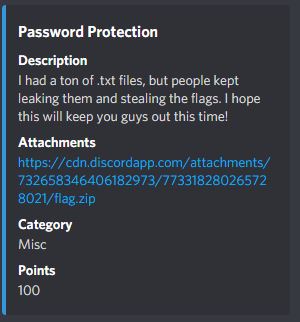
So this is the zip cracking chall. Lets use John (zip2john) or fcrackzip, but in this chall i chose fcrackzip
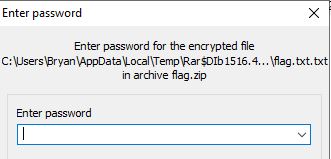
Command : fcrackzip -v -D -u -p [wordlist] [zipFile]
-v : verbose
-D : Dictionary attack mode
-u : unzip -> reduce false password
-p : password file

The password is secure and lets we get the flag on flag.txt !
flag : ictf{wh@7_@r3_y0u_d01ng_h3r3?}
same-pictures
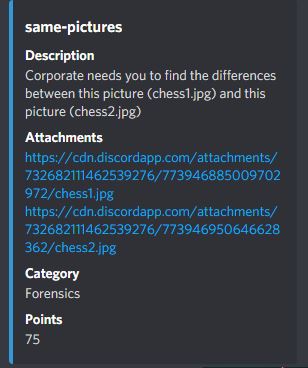
Given 2 images and i need to find the differences. At the first time i use diff to compare the images to see if there is any differences but i got stuck in this chall because i can’t get the flag :(. Thanks to my bestfriend, Anthony that gave me a hint about linux command cmp .

Yes! the image is different. The parameters that i use is -b for print the differing bytes
and -l/–verbose to output the byte numbers.
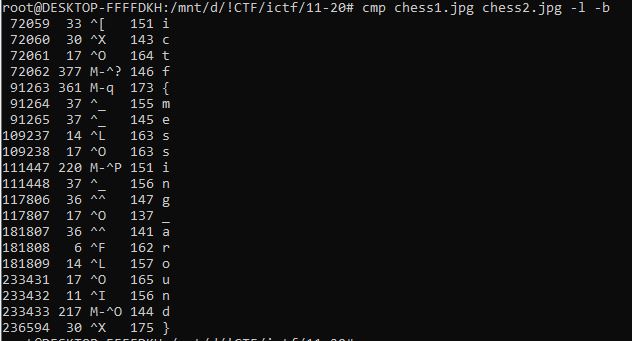
flag : ictf{messing_around}
RestInPeace-john
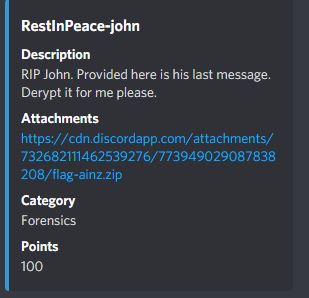
Another zip cracking chall but it’s different than before. Lets use fcrackzip again !

The password is = johncena and i get .mp3 file with Pacman soundtrack
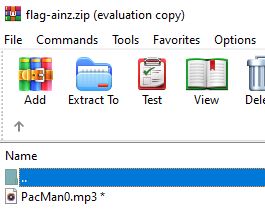
I tried to see the metadata with exiftool but the flag is not there. Then i thought what if the flag is in the spectogram but i got nothing. After that, i tried the strings command and hopin’ that i will get the flag. After all this time, the flag is under my nose :c
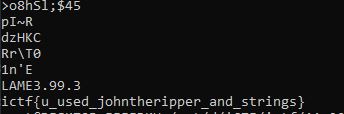
flag : ictf{u_used_johntheripper_and_strings}
Build-a-Cipher 1
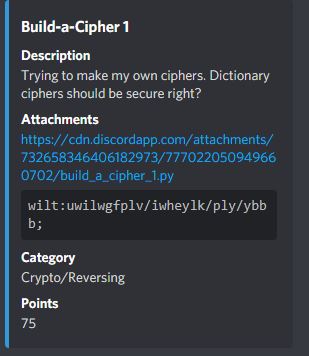
Given cipher message that i need to decrypt with dictionary cipher / substitutional cipher. This is the char map for decrypt/encrypt.
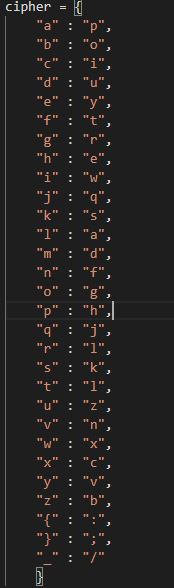
Lets use dcode.fr to decrypt the message and add the char map, so basically the cipher works like this if ciphered message is “p” so it will be decrypted as “a” and so on (based on the char map).
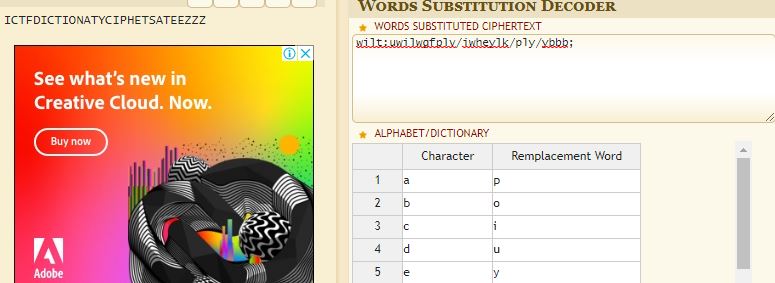
flag : ictf{dictionary_cipher_are_ezzz}
Walking-with-bin
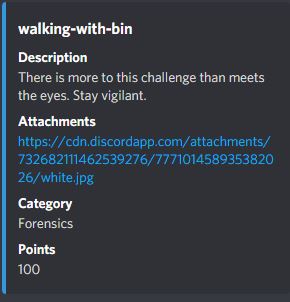
Given an image that i need to do some “forensic” thing, from the title i know that i need to use binwalk to check some hidden files in the picture.

Yep, there is a .pdf file. Let’s extract that file with foremost

Open the .pdf file, but it’s a blank pdf! (try ctrl+a and i got the flag :3)
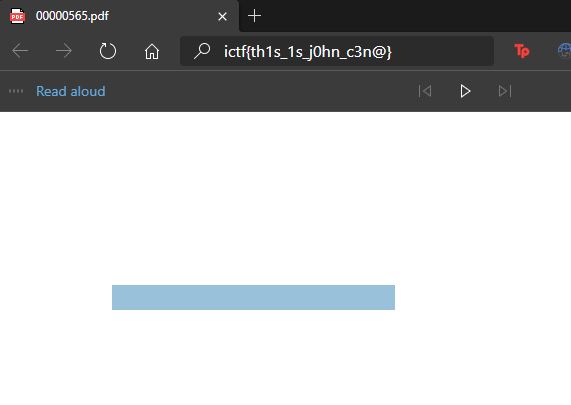
flag : ictf{th1s_1s_j0hn_c3n@}
Build-a-cipher 2
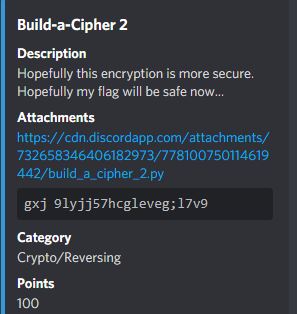
Given .py file that i need to reverse to decrypt the message.
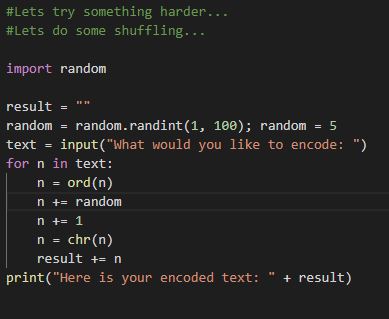
Soooo basically this file will encrypt our message with “random” numbers from randint function from (1-100) and add the “random” number to the char. To reverse this i just need to change the “n+=random” to “n-=random” because the “random” variable is constantly set to “5” and run the .py file again.

flag : ictf{5huff13d_charac7h3r5}
Lo-Siento-Bella
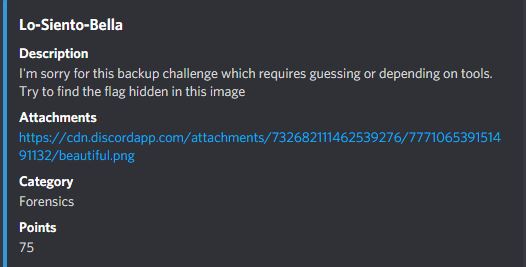
Given a png file that i must extract the Least Significant Bit (given hints on the title -> LSB). LSB is a steganography technique to hide some message in image file but the image remain the same. Lets extract the lsb with zsteg.

flag : ictf{h1d1ng_1n_1ns1gn1f1canc3}
modern-images
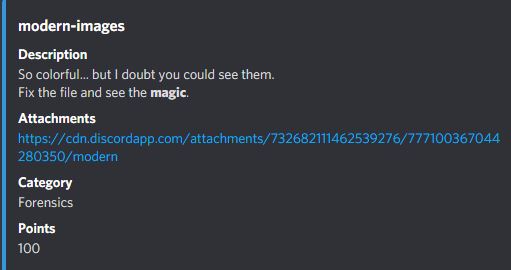
Another forensic challenge, so the .png file is broken. Lets check the chunk to fix the image! *friendly reminder : .png chunk must contain (PNG signature, IHDR, IDAT, and IEND)

Lets compare the this image with healthy .png file, and just replace the .png signature.

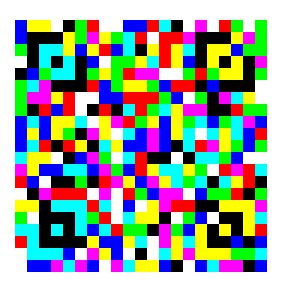
And i got this image, it looks like QR-Code (?) but i can’t scan it :(. Use google to see QR-Code types. Then i visited Wikipedia about QR-Code, and the QR-Code is generated with JAB code, use JABCode to scan the QR-code.
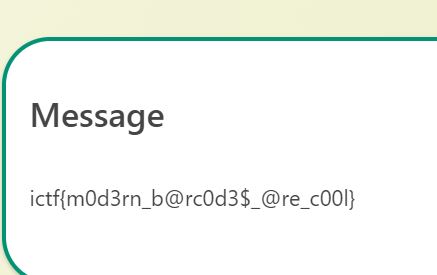
flag : ictf{m0d3rn_b@rc0d3$_@re_c00l}
Duality
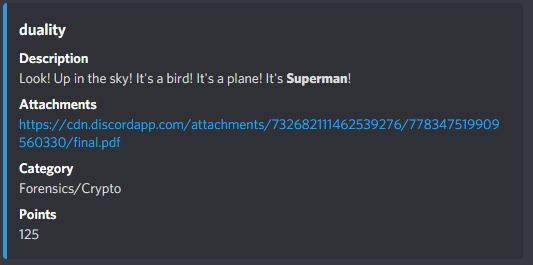
Given a .pdf file, is it a real .pdf file or sumthin? lets check it first with binwalk.
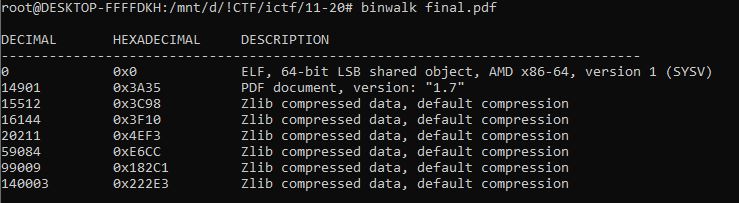
Whoops, this is a ELF file! lets remove the .pdf extension and run it!

The program ask some password to get the flag, but i dont know the password yet :( . Time to see the strings from the ELF file to check if the password is hardcoded.
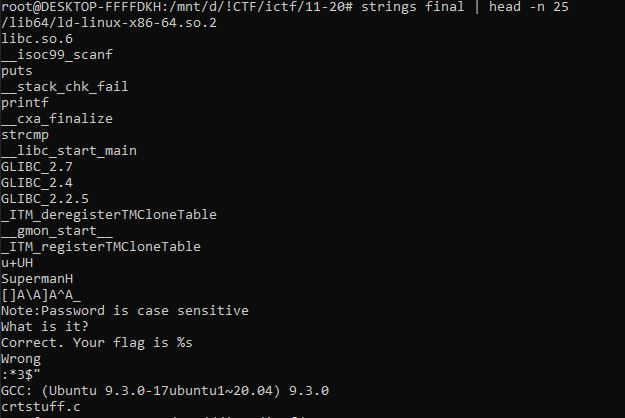
There is a “Superman” string, i think this is the password. Run the ELF again and input password as “Superman”

flag : ictf{c0nv0lut3d_w@ys_to_h1d3_data}
PDF Editors
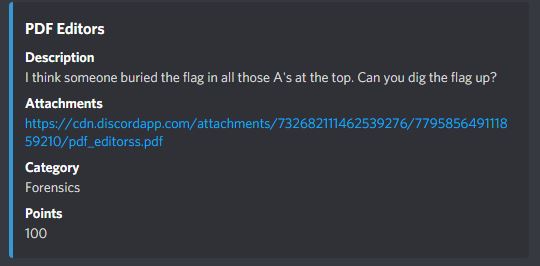
Last one is forensic chall! The flag is burried, i need to dig it!
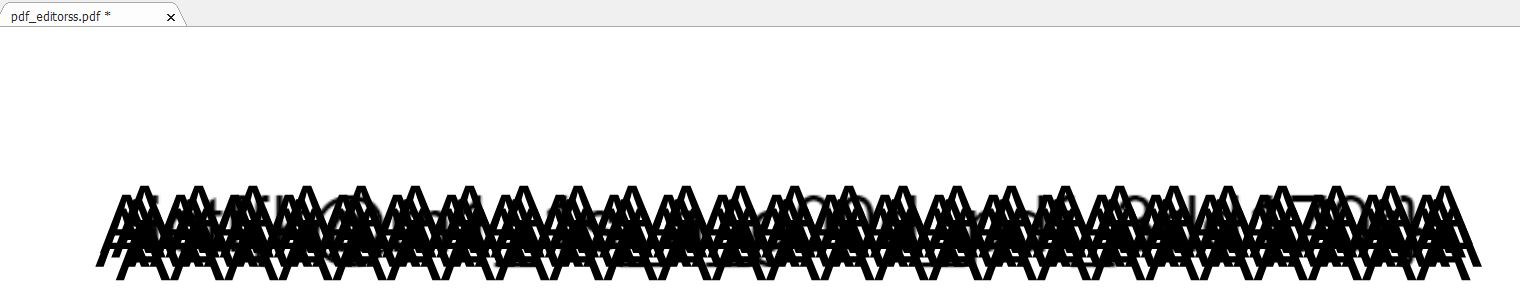
The tools that i used to solve this chall is Foxit Reader, just move the AAA strings and i got the flag !
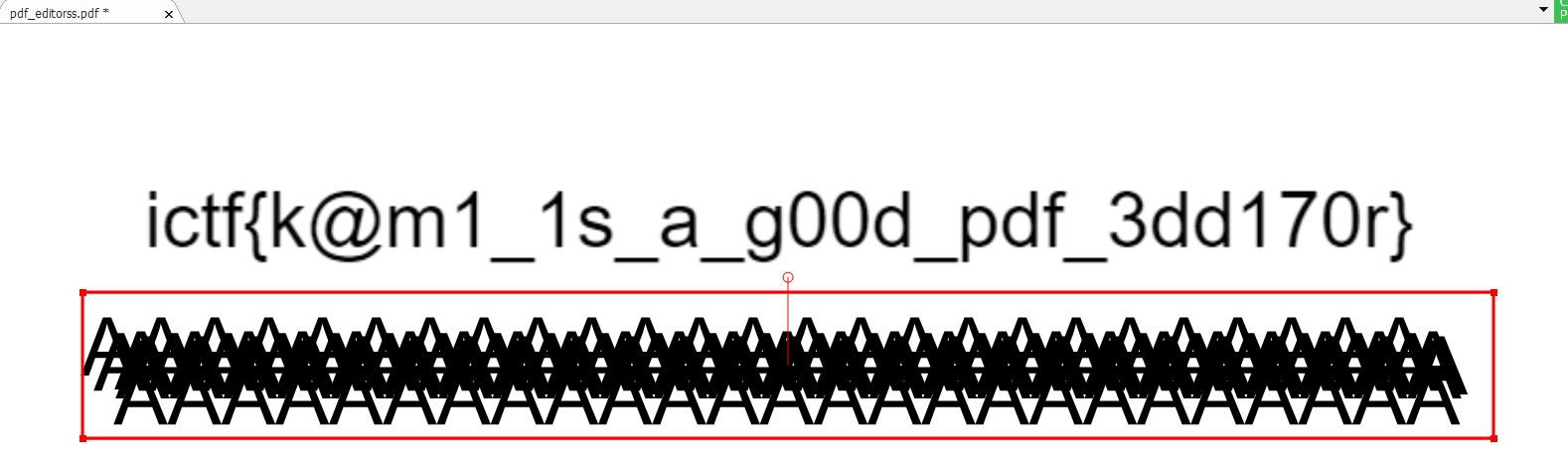
flag : ictf{k@m1_1s_a_g00d_pdf_3dd170r}
Thank you for visiting ! See you in another writeup !!!